Honeytrail is signal-based outbound for digital marketing agencies. It watches LinkedIn for the moments that mean a company is about to need an agency, resolves them to verified contacts, drafts the outreach in your voice, and waits for your one-click approval.
This guide walks through every feature with screenshots from the live product.
Sign up
Create your Honeytrail workspace in seconds. Use your work email or sign up with Google.
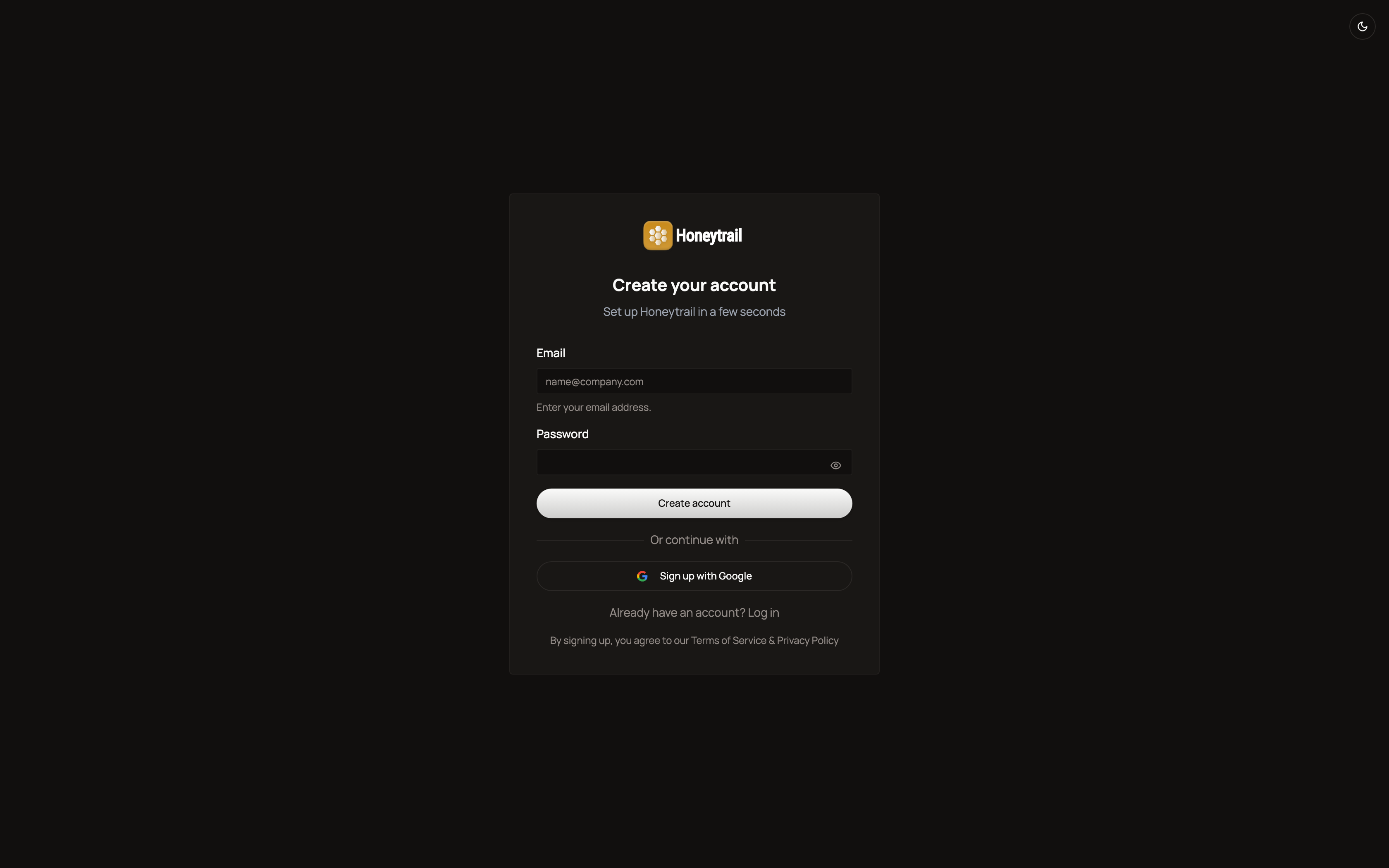
You’ll receive an activation link by email. Click it to verify your account and continue to onboarding.
Sign in
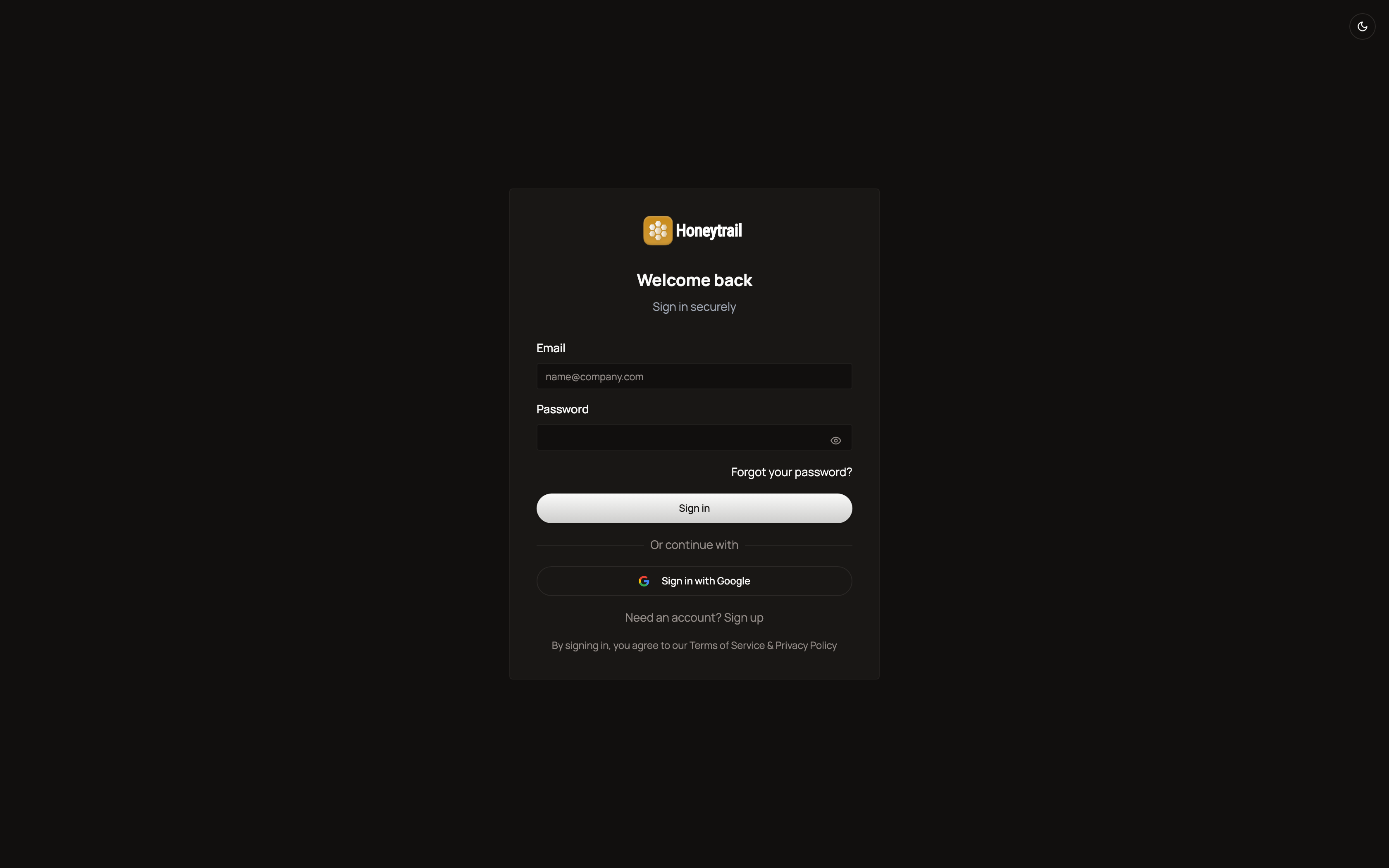
Returning users sign in with email and password, or with Google.
Onboarding
After verification, Honeytrail walks you through a short setup so it can start prospecting on day one. You’ll be asked for:
- Your name and company
- Your website URL — Honeytrail auto-extracts your value proposition
- Industries and roles you target
- Your value proposition
This information powers your first campaigns and prevents generic outreach.
What you’ll need
Before you start, have these ready:
- A sending email — Gmail, Microsoft 365, or any IMAP/SMTP provider. Use a real address that already sends and receives mail.
- A LinkedIn account — personal account is fine. Honeytrail uses human-paced sending limits so accounts stay safe.
- Your ICP — what kind of clients do you actually want? Roles, industries, company sizes, regions. Don’t overthink it — you can refine after the first batch.
- 5 minutes — setup is one workspace, two connections, and one ICP.
Next steps
Once you’re signed up and connected, the rest of the docs cover what each part of the product does.