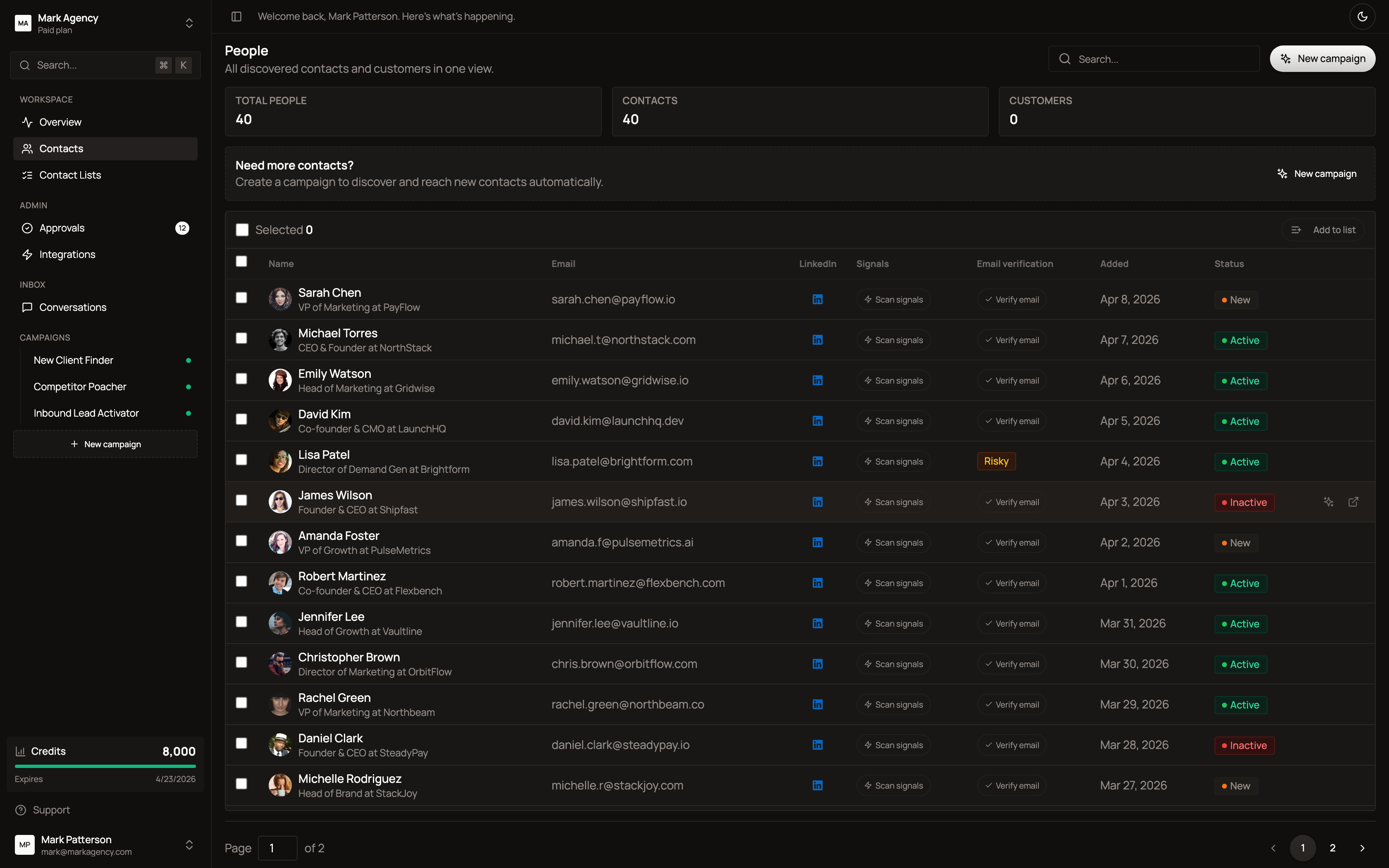
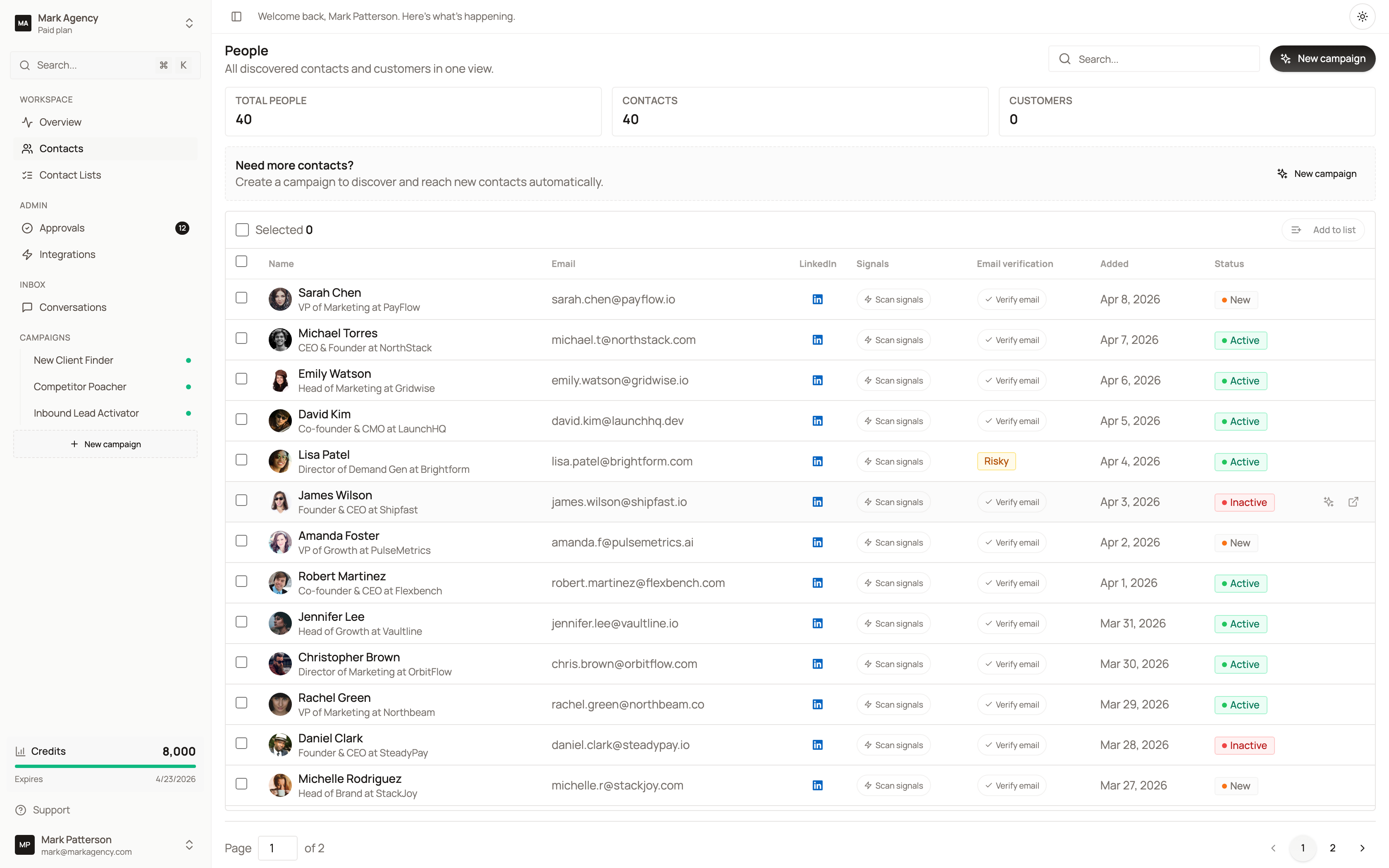
Every contact your campaigns discover lands in Contacts, automatically enriched with company data, signals, LinkedIn profile, email verification status, and tags.
What each row shows
- Name & job title — pulled from LinkedIn and verified
- Email — with verification status (verified, risky, unverified)
- LinkedIn profile — direct link to the contact’s profile
- Signals — buying intent indicators detected by your campaigns
- Tags — auto-applied (hiring, warm, decision-maker, etc.)
- Status — Active, New, or Inactive
You can search, filter, and select multiple contacts to add them to a list, export them, or assign them to a campaign.
Contact lists
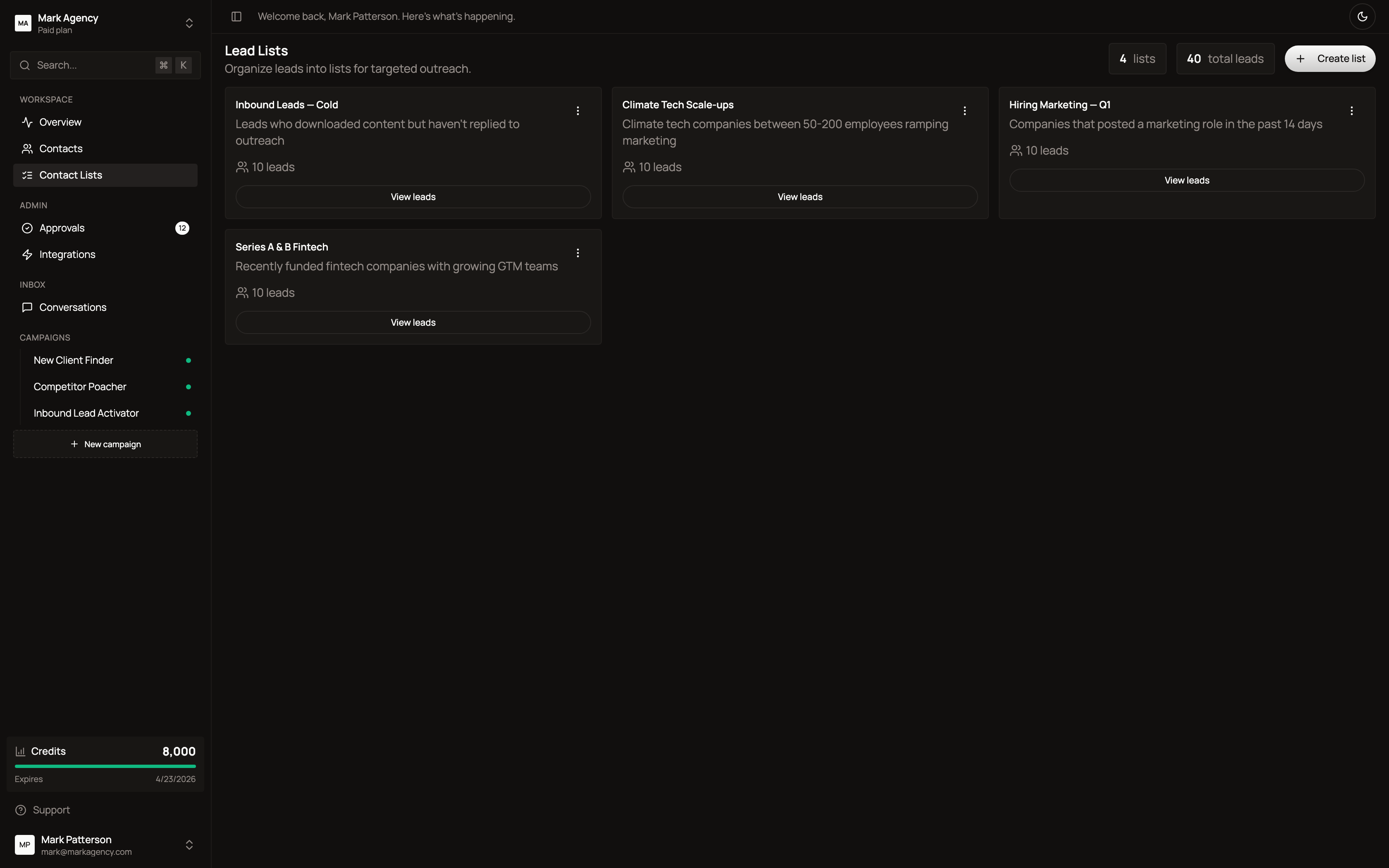
Group contacts into reusable lists you can target with campaigns or import into your CRM.
Use lists for:
- Vertical-specific outreach (e.g. “Climate tech scale-ups”)
- Time-based cohorts (e.g. “Hiring Marketing — Q1”)
- Lead recycling (e.g. “Inbound leads — cold”)
- Account-based marketing campaigns
Each list shows the count of leads and a description so you remember its purpose.