When a campaign drafts an email or LinkedIn message that needs review, it lands in Approvals. You stay in control of every send.
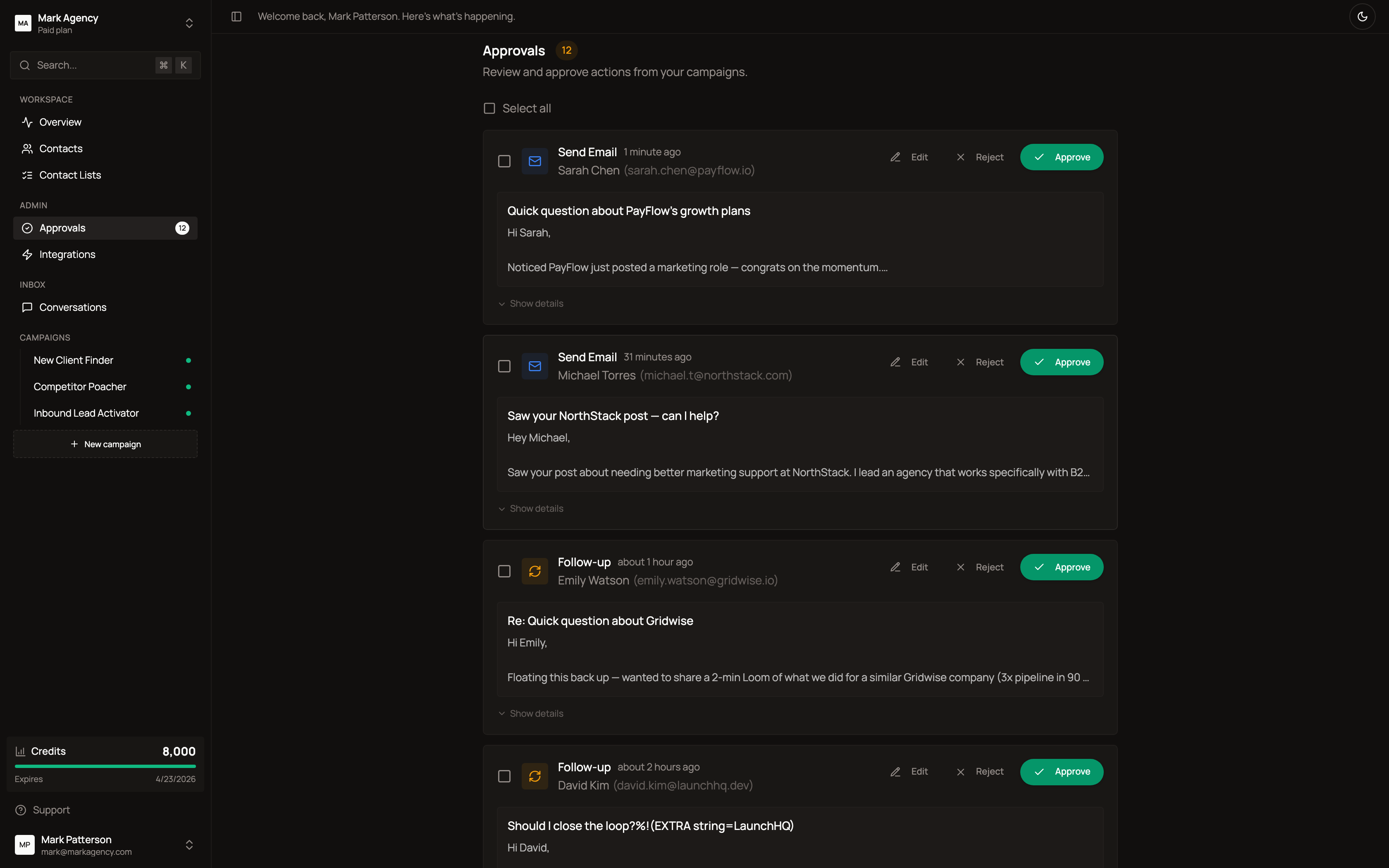
What each approval card shows
- Action type — Send email, follow-up, schedule meeting, or LinkedIn connect
- Recipient — name, company, profile picture
- Subject + preview — first 2 lines of the message
- Time — when the AI drafted it
- Edit / Reject / Approve — one-click decisions
Click Show details to see the full reasoning: why this contact, why this message, the trigger that caused it, and the recent signal that justifies the touch. Approve in one click — Honeytrail handles the rest, including warm-up safety, bounce protection, and per-domain limits.
Supervised vs autopilot
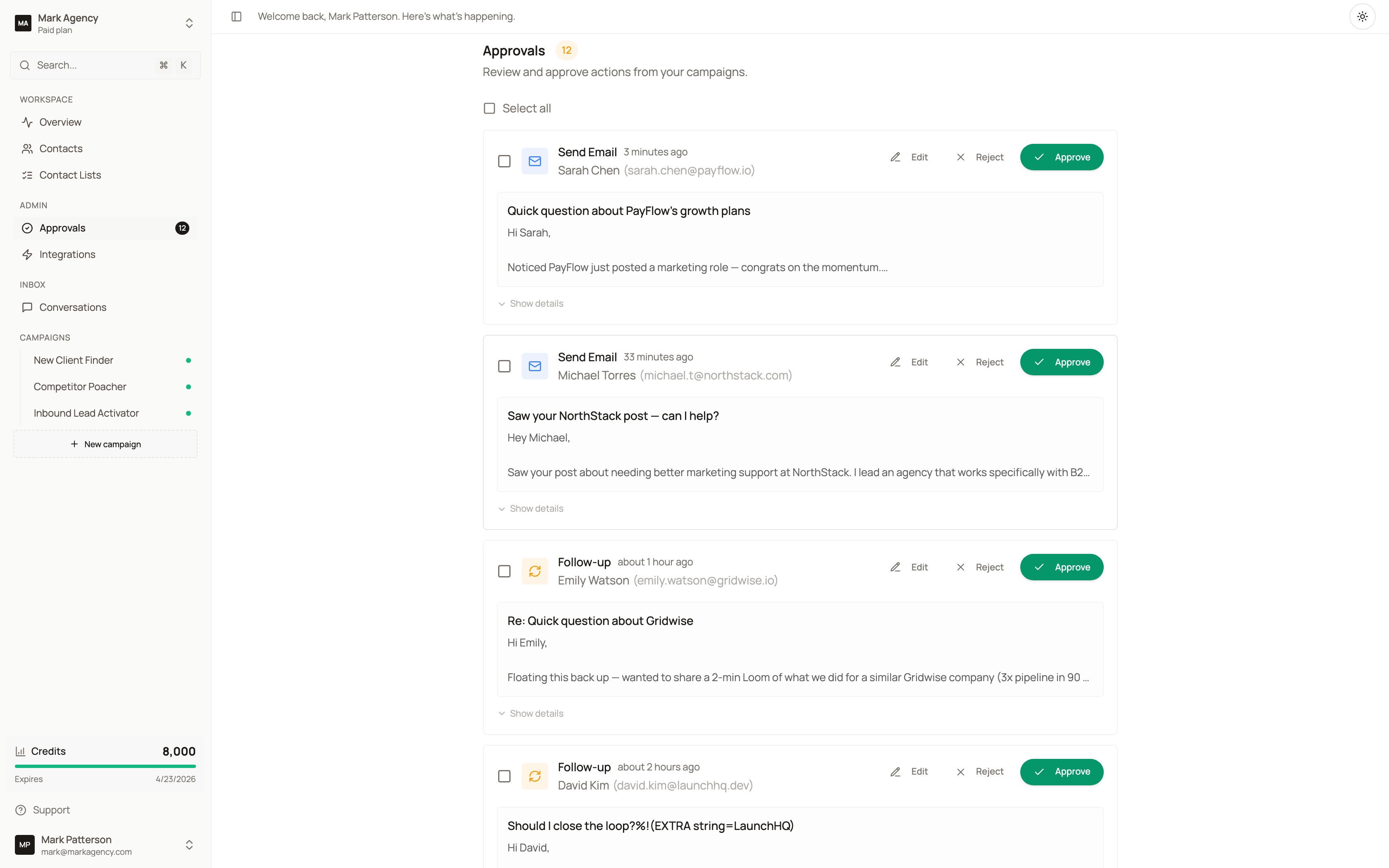
Every new workspace starts in supervised mode. The agent drafts every message, you approve every send. Autopilot is a per-workspace switch you flip in Settings → Autopilot when you trust the work.
You can mix modes per campaign, not all-or-nothing across your account.